Set the scene with SwiftUI in visionOS
2025年6月9日
一句话判断
visionOS 26 的 SwiftUI scene 系统做了一轮全面升级:窗口可以锁房间、Volume 可以吸墙面和桌面、immersive space 支持 Mac 远程渲染、UIKit 也能桥接 Volume 了。如果你在做 visionOS app,这篇是必读。
这场 Session 讲了什么
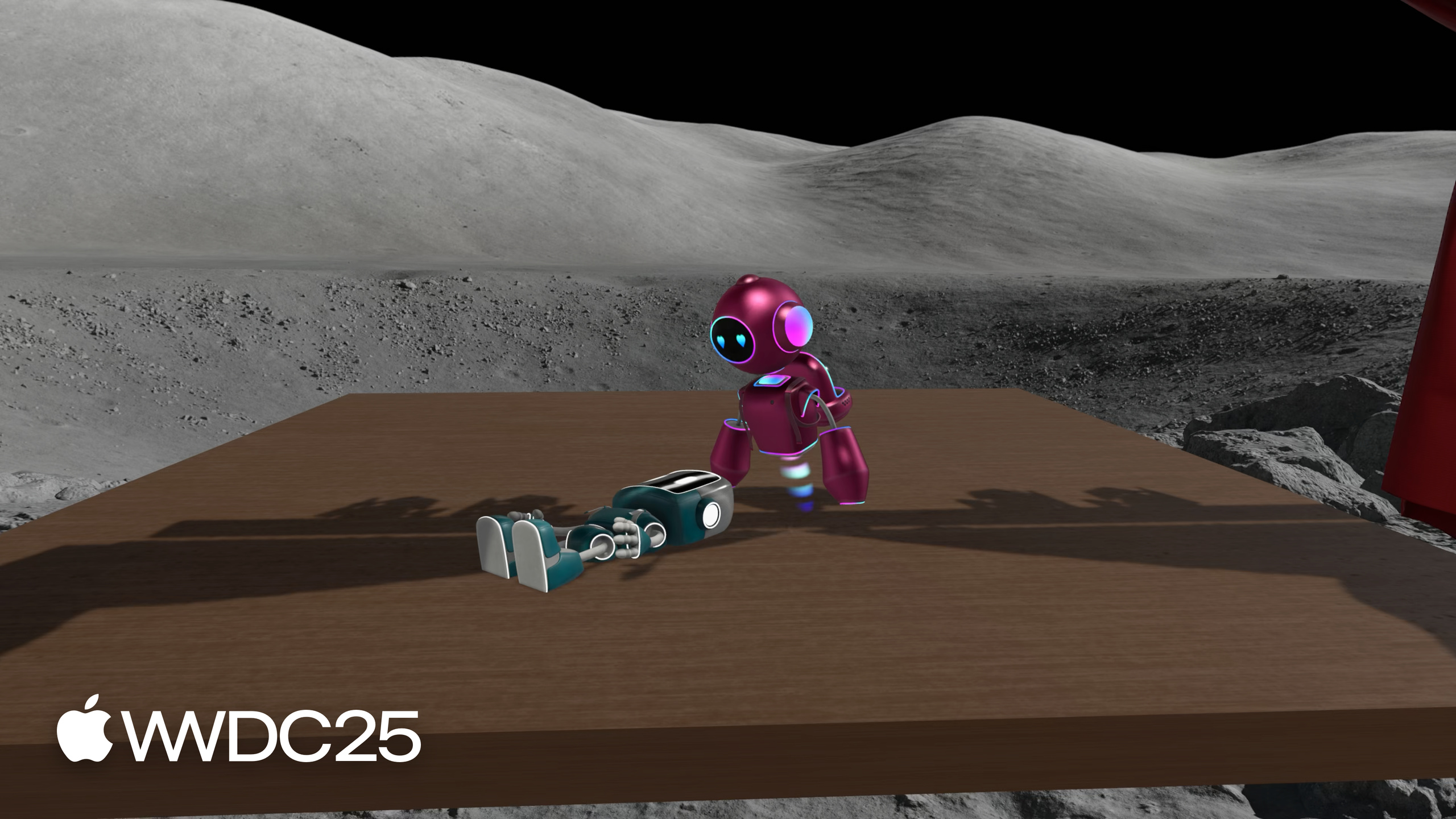
Miguel 用一个机器人演话剧的 app(BOTanist 搭配 Shakespeare 舞台)串起了 visionOS 26 的所有新 scene API。
生命周期管理:
- 房间锁定与恢复: 用户可以把窗口和 Volume 锁定到物理房间,回到那个房间时自动恢复。
restorationBehavior(.disabled)可以禁用不适合持久化的场景(如欢迎页、工具面板)。 - 启动行为控制:
defaultLaunchBehavior可以指定 app 启动时优先显示哪个窗口。.suppressed让次要窗口在从 Home 重新启动时不恢复——避免用户回到一个只有工具栏没有主场景的尴尬状态。 - 唯一窗口: 用
Window(而非WindowGroup)声明不能被复制的窗口,如视频通话或游戏主窗口。
Volume 增强:
- 表面吸附: 窗口可以吸到墙面,Volume 可以吸到桌面或地面。
SurfaceSnappingInfoAPI 提供吸附状态和 ARKit 表面分类(需要用户授权世界感知权限)。 - Presentation 全面开放: popover、sheet、menu、alert、tooltip 都可以在 Volume 内、Volume 的 ornament 上、RealityView 的 attachment 上,甚至直接在 RealityKit 的 PresentationComponent 中使用。支持
presentationBreakthroughEffect控制被 3D 内容遮挡时的视觉处理。 - Clipping Margins:
preferredWindowClippingMargins允许在 Volume 边界外渲染内容(仅视觉装饰,不可交互)。用瀑布、云朵等视觉元素扩展场景,不挤压主内容区域。
Immersive Space:
- 世界重置事件: 长按 Digital Crown 重置坐标系时,
onWorldRecentermodifier 通知你的 app。 - Progressive immersion 调整: 支持 portrait aspect ratio(适合纵向体验或从 iPhone 移植的游戏)。范围可自定义,建议不要包含 0%(否则内容可能完全消失)。
- Mixed immersion 与系统环境共存:
immersiveEnvironmentBehavior(.coexist)让 mixed immersive space 的内容在系统环境中也能显示。 - RemoteImmersiveSpace: Mac 上的 app 可以把 immersive content 通过 CompositorLayer 流式渲染到 Vision Pro。
RemoteDeviceIdentifier传给 ARKitSession 连接远端设备。 - CompositorContent builder: CompositorLayer 现在可以访问 SwiftUI 的 environment 变量和 modifier,不再是孤岛。
Scene Bridging(场景桥接):
- UIKit app 通过
UIHostingSceneDelegate桥接 SwiftUI 的 Volume 和 ImmersiveSpace。Safari 的 Spatial Browsing 就是这么做的。AppKit 也有对应的 API。
值得深挖的点
Surface snapping + restoration 的联动逻辑。 吸附到表面的窗口会被自动锁定并持久化。如果你的 secondary window 不应该被锁定,务必要设 restorationBehavior(.disabled)。
Clipping Margins 不是保证给你的。 系统可能只 grant 部分 margin 甚至不给。代码必须读 windowClippingMargins environment 变量,用 min(granted, desired) 来适配。
RemoteImmersiveSpace 目前只支持 progressive 和 full immersion style。 而且只有 CompositorLayer 能在远端渲染,普通的 SwiftUI View 不行。
Scene Bridging 是给存量 UIKit app 的增量升级路径。 不需要重写整个 app,只要创建一个 UIHostingSceneDelegate 子类声明 SwiftUI scenes,然后通过 UISceneSessionActivationRequest 激活就行。
代码片段
Volume 吸附到桌面后隐藏底座:
@State private var showPlatform = true

var body: some View {
    StageView()
        .environment(\.surfaceSnappingInfo, snappingInfo)
        .onChange(of: snappingInfo) { _, newValue in
            if newValue.isSnapped,
               authorizationStatus == .authorized,
               newValue.surfaceClassification == .table {
                showPlatform = false
            }
        }
}
Clipping Margins 渲染瀑布:
.preferredWindowClippingMargins(.bottom, maxHeight)

// 读取实际授予的 margin
@Environment(\.windowClippingMargins) var margins

WaterfallView()
    .frame(height: min(margins.bottom, waterfallHeight))
UIKit 桥接 SwiftUI Volume:
class StageHostingDelegate: UIHostingSceneDelegate {
    override var rootScene: some Scene {
        StageVolume()
    }
}

// 激活
let request = UISceneSessionActivationRequest(
    role: .windowApplication,
    sessionRole: .windowApplication,
    hostingDelegateClass: StageHostingDelegate.self
)
UIApplication.shared.activateSceneSession(request)
最佳实践
优先使用 restoration。 大多数窗口都应该支持锁定和恢复,用户期望如此。只对明确的临时场景(欢迎页、一次性操作)禁用。
Secondary window 用 .suppressed 避免意外恢复。 这比 restorationBehavior 更有效,因为它还防止了从 Home 启动时的意外恢复。
Volume 中的 Presentation 要考虑 3D 遮挡。 默认 subtle blending 可能不够醒目,根据内容重要性选择 prominent 或 none。
Surface snapping 需要权限。 如果需要 ARKit 表面分类信息,在 Info.plist 中设置 Application Wants Detailed Surface Info 和 Privacy World-Sensing Usage-Description。
还有什么值得关注
- visionOS 26 新增 widget 支持,widget 可以吸附到墙面或桌面。
onVolumeViewpointChange可以响应用户在 Volume 周围走动时的视角变化,配合 clipping margins 做视线友好的遮挡。- RemoteImmersiveSpace 配合 CompositorContent,现在可以在 Mac 上做完整的 Metal immersive app 然后流式投射到 Vision Pro。
- 配套视频:“What’s new in Metal rendering for immersive apps”(Session 294)详细讲解了 RemoteImmersiveSpace 的 CompositorLayer 适配。