Core Data Schema 演进
Evolve your Core Data schema
2022年6月6日
一句话判断
Core Data 的 Schema 迁移工具终于在 Xcode 14 里变得可用——自动轻量迁移覆盖更多场景、mapping model 编辑器更加直观、和 CloudKit 同步时的 Schema 管理也有了清晰的指南。
这场 Session 讲了什么
这场 Session 聚焦 Core Data 的 Schema 变更(migration)这个老大难问题。Core Data 的 migration 一直是开发者最头疼的部分之一——改个字段类型可能导致数据全丢,加个 relationship 可能让 migration 跑十几分钟。Apple 在 Xcode 14 里对工具链做了不少改进。
轻量迁移(Lightweight Migration)。 这是最简单的迁移方式——Core Data 自动推断如何从旧 Schema 变到新 Schema。Xcode 14 扩展了轻量迁移的支持范围:现在支持更多的 attribute 类型变更(比如 Integer 16 -> Integer 32)、relationship 的增删、以及 entity 的重命名(通过 renamingIdentifier)。之前这些操作有些需要手动写 mapping model,现在可以自动完成了。
Mapping Model。 当轻量迁移搞不定的时候(比如你需要合并两个字段、或者根据旧数据计算新字段的值),就需要手动写 mapping model。Xcode 14 改进了 mapping model 编辑器:你可以更直观地看到 source entity 到 destination entity 的映射关系,添加自定义的 value expression 来做数据转换。
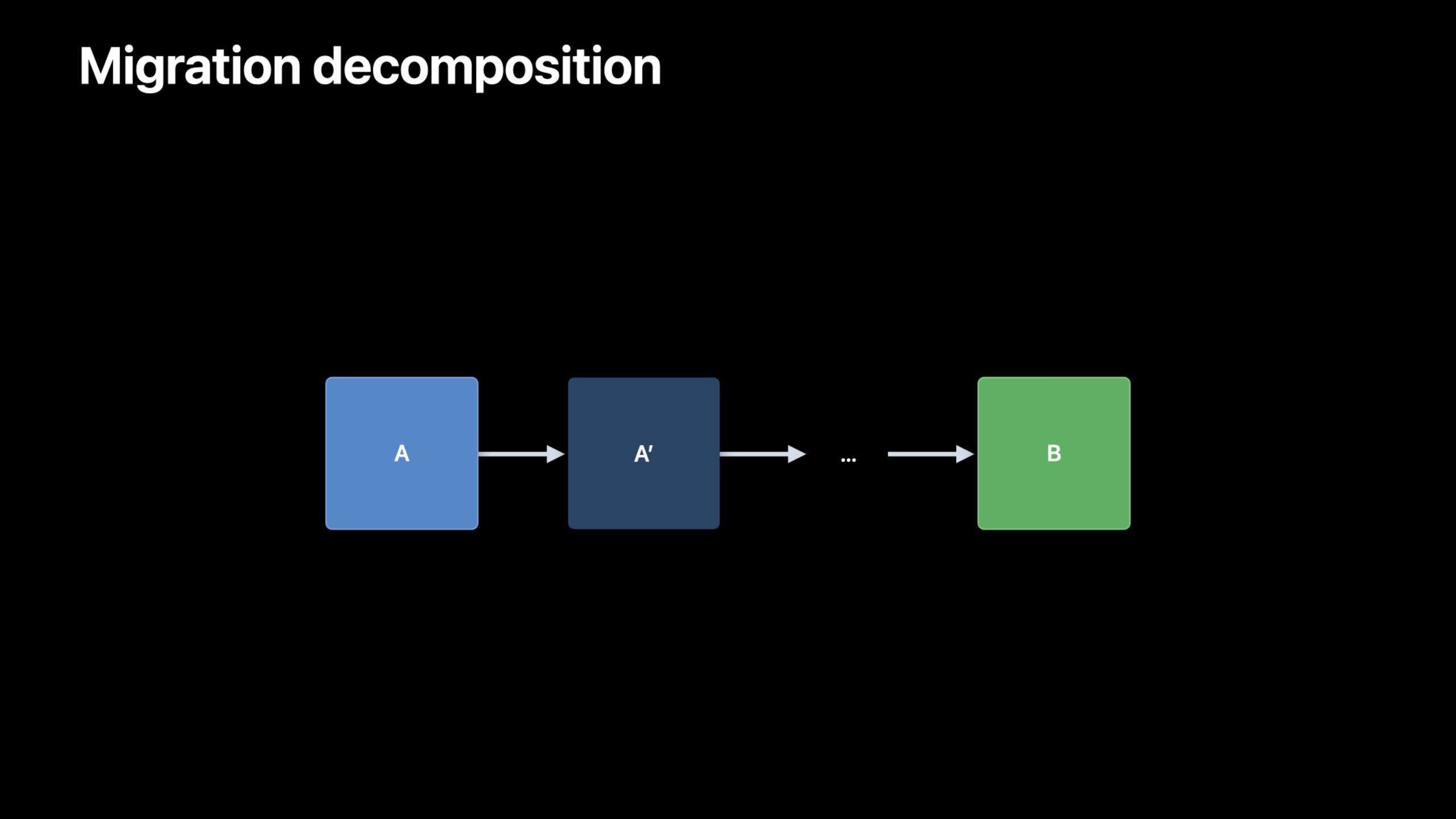
Schema 版本管理。 Core Data 支持 Schema 版本的概念——每次修改 Schema 都应该创建一个新版本。Xcode 14 的 model editor 现在可以更方便地管理版本:创建新版本、设置当前版本、比较两个版本的差异。推荐的做法是:永远只从”上一个版本”迁移到”当前版本”,不要跳版本——Core Data 的 migration 是线性的,从 v1 到 v3 需要先迁移到 v2 再迁移到 v3。
和 CloudKit 同步的 Schema 管理。 当你的 Core Data store 启用了 CloudKit 同步后,Schema 变更需要额外注意。CloudKit 的 Schema 变更受到更严格的限制——你不能删除 CloudKit 里的 field(只能标记为 inactive),属性类型变更也有限制。Session 里给了一个清晰的工作流:先在本地修改 Schema -> 测试迁移 -> deploy 到 CloudKit Development -> 验证同步 -> deploy 到 Production。
Weighted Migration。 对于大量数据的 migration,Core Data 现在支持分批迁移(batch migration)。每批处理一定数量的 record,中间会释放内存并让主线程有机会响应。这解决了之前”migration 跑了几分钟,App 整个卡死”的问题。
值得深挖的点
renamingIdentifier 的正确使用方式。 如果你重命名了一个 entity 或 attribute,Core Data 默认会认为旧的和新的没有关系——migration 时旧数据被丢弃,新 entity/attribute 是空的。renamingIdentifier 就是告诉 Core Data “这个新字段其实就是那个旧字段”。关键是:renamingIdentifier 必须在旧版本和新版本里都设置,而且值要一致。只在新的 model 版本里设 renamingIdentifier 是不够的——你需要回去给旧版本的 model 也加上这个标识符。
CloudKit Schema 变更的安全边界。 CloudKit 的 Schema 管理比本地 Core Data 严格得多。你不能删除一个 field(只能设为 inactive),不能改 field 的类型。如果你需要做这种破坏性变更,唯一的方法是创建一个新的 field,迁移数据,然后在代码里停止使用旧 field。这个设计是为了保证已经同步到其他设备上的旧数据仍然能正常工作。
代码片段
启用轻量迁移:
let storeDescription = NSPersistentStoreDescription()
storeDescription.type = NSSQLiteStoreType

// 启用轻量迁移
storeDescription.setOption(true as NSNumber,
                          forKey: NSMigratePersistentStoresAutomaticallyOption)
storeDescription.setOption(true as NSNumber,
                          forKey: NSInferMappingModelAutomaticallyOption)

let container = NSPersistentContainer(name: "MyApp")
container.persistentStoreDescriptions = [storeDescription]
container.loadPersistentStores { description, error in
    if let error = error {
        // 轻量迁移失败,可能需要手动 mapping model
        fatalError("Migration failed: \(error)")
    }
}
使用 renamingIdentifier 追踪字段重命名:
// 在 Core Data Model Editor 里:
// 旧版本 entity: User, attribute: "userName" (String)
//   -> 设置 renamingIdentifier = "user_name"
//
// 新版本 entity: User, attribute: "displayName" (String)
//   -> 设置 renamingIdentifier = "user_name"(和旧版本一致)

// 这样轻量迁移就知道 userName -> displayName 是重命名,不是删除+新增
自定义 mapping model 的 value expression:
// 在 mapping model 编辑器里,给 attribute 设置 value expression:
// 假设你把 firstName 和 lastName 合并成 fullName

// Source: firstName (String), lastName (String)
// Destination: fullName (String)
// Value Expression: $source.firstName + " " + $source.lastName

// 这会在 migration 时把 "John" + " " + "Doe" -> "John Doe"
最佳实践
永远不要直接修改当前版本的 Schema。每次要改 Schema 就创建一个新版本——在 Xcode 的 model editor 里 Editor > Add Model Version。虽然看起来繁琐,但这是保证迁移可靠性的基础。如果你直接改了当前版本,已经用旧 Schema 的用户更新 App 后数据会全丢。
给所有 entity 和 attribute 都设置 renamingIdentifier,即使你目前没有重命名计划。这是一个”保险”措施——未来如果你确实需要重命名,有了 renamingIdentifier 就能无痛迁移。没有 renamingIdentifier 的话,重命名等于删除+新增,数据就没了。
启用 CloudKit 同步后,Schema 变更要先在 Development 环境验证。deploy 到 Production 之前用 CKRecord 的 recordType 和 fields 确认 CloudKit Schema 是你预期的样子。一旦 deploy 到 Production,CloudKit Schema 的变更就不可逆了(field 只能 inactive 不能删除)。
还有什么值得关注
- Xcode 14 的 model editor 支持可视化比较两个 Schema 版本的差异,比之前纯靠记忆和文档要直观得多。
- 对于大型 dataset 的 migration,建议在后台 context 里执行,并在 UI 上显示进度。NSMigrationManager 的
migrationProgress属性可以用来追踪进度。 - 如果你的 App 使用了
NSPersistentCloudKitContainer,Schema 变更后第一次同步可能需要较长时间,因为 CloudKit 需要重建索引。 - mapping model 的自定义 migration policy(
NSEntityMigrationPolicy子类)可以处理更复杂的迁移逻辑,比如数据清洗和去重。