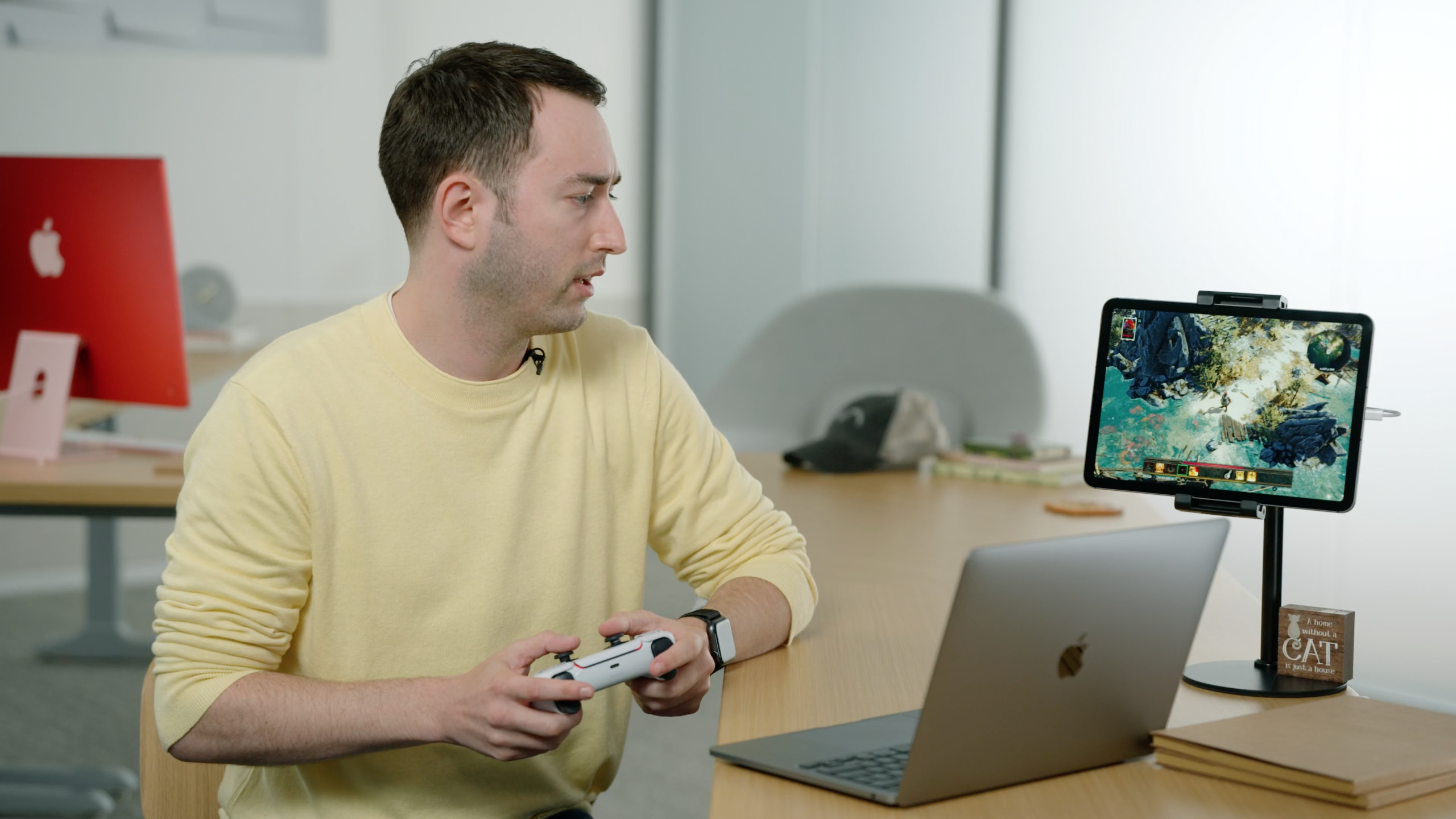
为 Apple GPU 优化高端游戏
Optimize high-end games for Apple GPUs
2021年6月9日
一句话判断
Apple Silicon 的 GPU 架构和传统桌面 GPU 有本质区别——把 PC 游戏直接移植过来然后用”常规优化”是行不通的,必须针对 tile-based deferred rendering(TBDR)做专门的管线设计。
这场 Session 讲了什么
Session 面向正在将高端 3A 游戏移植到 Apple Silicon(M1、A14/A15)平台的开发者,详细讲解了 Apple GPU 的架构特点以及相应的优化策略。核心话题围绕 TBDR(基于瓦片的延迟渲染)架构与传统 immediate mode rendering(IMR)的差异展开。
Apple GPU 采用 TBDR 架构,先把画面分成小块(tile),在 on-chip 内存中完成所有渲染操作后再写回主存。这意味着传统 IMR 平台上的很多”常识性优化”在 Apple GPU 上可能适得其反。比如,过多的小渲染目标切换在 IMR 上没问题,但在 TBDR 上每次切换都会导致 tile 数据溢出(tile spill),性能断崖式下降。Session 还讨论了内存带宽优化、compute shader 的最佳实践、以及如何利用 Metal Performance Shaders 加速常见渲染操作。
值得深挖的点
Tile Spill:Apple GPU 性能的头号杀手
当 tile 的 workload(颜色附件、深度/模板附件、临时数据)超过 on-chip 内存容量时,GPU 被迫将数据溢出到主存。这就是 tile spill。一次 spill 的代价是两次完整的内存读写(写出到主存+读回来),带宽开销翻倍。避免 spill 的关键是控制单个 render pass 的附件数量和格式:使用更少的颜色附件、选择更紧凑的像素格式(比如 RGBA8Unorm 代替 RGBA16Float)、利用 MTLHeap 手动管理 tile 内存。
Load/Store Action 的正确选择
MTLLoadAction 和 MTLStoreAction 直接影响 TBDR 的效率。load 操作会从主存读取上一帧的数据到 tile,store 操作会把 tile 数据写回主存。如果你不需要上一帧的内容(比如每帧清空的颜色缓冲),用 .clear 而不是 .load——省掉一次主存读取。同样,如果渲染结果只被下一个 pass 使用(比如中间 G-Buffer),用 .store 后立刻在下一个 pass 里 .load 是浪费的——应该用 memoryless attachment 让数据留在 tile 上。
代码片段
// 正确配置 render pass 的 load/store action
func configureRenderPass(descriptor: MTLRenderPassDescriptor) {
    // 颜色附件:每帧清空,不需要加载上一帧内容
    descriptor.colorAttachments[0].loadAction = .clear
    descriptor.colorAttachments[0].storeAction = .store
    descriptor.colorAttachments[0].clearColor = MTLClearColor(
        red: 0.02, green: 0.02, blue: 0.02, alpha: 1.0)

    // 深度附件:每帧清空,渲染结束后不需要保留
    descriptor.depthAttachment.loadAction = .clear
    descriptor.depthAttachment.storeAction = .dontCare
    descriptor.depthAttachment.clearDepth = 1.0

    // 中间结果使用 memoryless —— 数据只在 tile 内存中存在
    // 不写入主存,下一个 render pass 直接在 tile 中读取
    let gBufferTexture = createTexture(storageMode: .memoryless)
    descriptor.colorAttachments[1].texture = gBufferTexture
    descriptor.colorAttachments[1].loadAction = .clear
    descriptor.colorAttachments[1].storeAction = .dontCare
}
// 使用 Metal Heap 手动管理 tile 内存,避免 spill
func createRenderTargetHeap(device: MTLDevice) -> MTLHeap? {
let descriptor = MTLHeapDescriptor()
descriptor.storageMode = .private
descriptor.cpuCacheMode = .defaultCache
// 根据预期的渲染目标大小设置堆容量
// 给 tile 内存留足够空间,避免溢出到主存
descriptor.size = calculateRequiredHeapSize(
colorFormats: [.bgra8Unorm, .rgba16Float],
depthFormat: .depth32Float,
width: 1920, height: 1080
)
return device.makeHeap(descriptor: descriptor)
}// 利用 framebuffer fetch 避免额外的采样操作
// 在 fragment shader 中直接读取 tile 内的颜色数据
// Metal Shading Language
fragment float4 deferredLighting(
VertexOutput in [[stage_in]],
// framebuffer fetch:直接从 tile 内存读取 G-Buffer
depthfloat_t depth [[color(0)]],
float4 normal [[color(1)]],
float4 albedo [[color(2)]]
) {
// 不需要额外的纹理采样,数据已经在 tile 里
float3 lighting = calculateLighting(
position: reconstructPosition(depth, in.position),
normal: normal.xyz,
albedo: albedo.rgb
);
return float4(lighting, 1.0);
}最佳实践
- 移植游戏时先用 Metal Performance Shaders 实现一个 baseline 版本,再用自定义 shader 逐步替换。MPS 已经针对 Apple GPU 做了极限优化,可以作为性能参照。
- 减少 render pass 之间的切换——把多个渲染步骤合并到一个 render pass 中。TBDR 架构下,一个”大”的 render pass 比多个”小”的 render pass 高效得多。
- 使用
MTLDevice.recommendedMaxWorkingSetSize查询设备建议的最大工作集大小,确保你的纹理和缓冲区总量不超限。
还有什么值得关注
- Apple GPU 的 compute unit 数量可以通过
MTLDevice.maxThreadgroupMemoryLength和maxThreadsPerThreadgroup查询,用于优化 compute shader 的分发策略。 MTLFence和MTLEvent在 TBDR 架构下的行为和 IMR 不同——轻量级同步优先用MTLEvent。- Xcode 13 的 Metal GPU Profiler 新增了 tile 内存使用量的可视化,可以直接看到哪些 render pass 发生了 spill。