探索 Apple silicon Mac 的新系统架构
Explore the new system architecture of Apple silicon Macs
2020年6月22日
一句话判断
Apple silicon Mac 的系统架构不是「换个 CPU 那么简单」——统一内存架构(UMA)、Rosetta 2 实时翻译、虚拟化框架、以及 iOS/iPadOS app 原生运行,这些底层变化决定了你的 app 在新 Mac 上的表现。
这场 Session 讲了什么
这场 Session 深入讲解了 Apple silicon Mac(搭载 M1 芯片的 Mac)的系统架构设计。这不是一场硬件 spec 发布会,而是从开发者的角度解释系统架构变化对 app 运行的影响。
核心议题包括:
统一内存架构(Unified Memory Architecture)。传统 Mac 的 CPU 和 GPU 有各自独立的内存,数据需要在两者之间拷贝。Apple silicon 的 UMA 让 CPU 和 GPU 共享同一块物理内存,零拷贝即可在 CPU 和 GPU 之间传递数据。这对 Metal 游戏和计算密集型 app 的性能提升是巨大的。
Rosetta 2。苹果的实时二进制翻译器,让 x86_64 的 app 在 ARM 架构上运行。Session 解释了 Rosetta 2 的工作原理:在 app 启动时将 x86 指令翻译为 ARM 指令(JIT 翻译),并缓存翻译结果。翻译后的性能损失约 20-30%,对于大多数 app 来说可以接受。
虚拟化框架。Apple silicon Mac 支持基于 ARM 的 Linux 虚拟机,通过新的 Virtualization 框架提供。这对于开发者在 Mac 上运行 Linux 服务器环境非常有用。
值得深挖的点
UMA 对 Metal 开发的影响
在传统架构中,用 Metal 做计算时,你需要把数据从 CPU 内存拷贝到 GPU 内存(MTLBuffer 的 didModifyRange),计算完再拷回来。UMA 架构下,MTLBuffer 的存储模式默认是 storageModeShared,CPU 和 GPU 直接操作同一块内存,不需要拷贝。这意味着 Metal 计算的性能在 Apple silicon 上会有质的飞跃,特别是对于需要频繁 CPU-GPU 数据交换的场景。
iOS app 在 Mac 上的运行
Apple silicon Mac 可以原生运行 iOS 和 iPadOS app。你的 iOS app 不需要重新编译——ARM 指令集是通用的。但 app 需要在 App Store Connect 中选择「允许在 Mac 上可用」,否则不会出现在 Mac App Store 中。用户在 Mac 上运行 iOS app 时,系统会自动处理触控到鼠标/触控板的映射。
代码片段
import Metal

// 利用 UMA 的共享内存优化 Metal 计算
func setupMetalCompute() {
    guard let device = MTLCreateSystemDefaultDevice() else { return }
    let commandQueue = device.makeCommandQueue()!

    // Apple silicon 上默认使用 storageModeShared(CPU/GPU 共享内存)
    // 不需要 storageModeManaged 的同步操作
    #if targetArchitecture arm64
    let buffer = device.makeBuffer(length: 1024 * 1024, options: .storageModeShared)!
    #else
    // Intel Mac 上需要用 storageModeManaged 并手动同步
    let buffer = device.makeBuffer(length: 1024 * 1024, options: .storageModeManaged)!
    #endif

    // CPU 端写入数据
    let dataPtr = buffer.contents().bindMemory(to: Float.self, capacity: 256 * 1024)
    for i in 0..<256 * 1024 {
        dataPtr[i] = Float(i)
    }

    // Apple silicon 上不需要调用 didModifyRange
    // Intel Mac 上需要:
    // buffer.didModifyRange(Range(0..<buffer.length))

    // GPU 端直接使用同一块内存
    let commandBuffer = commandQueue.makeCommandBuffer()!
    let computeEncoder = commandBuffer.makeComputeCommandEncoder()!

    // 设置计算管道和 buffer...
    computeEncoder.setBuffer(buffer, offset: 0, index: 0)

    computeEncoder.endEncoding()
    commandBuffer.commit()
}
// 检测当前架构并适配
func detectArchitecture() {
#if arch(arm64)
print("运行在 Apple silicon 上")
print("可以利用 UMA 的零拷贝特性")
#elseif arch(x86_64)
print("运行在 Intel Mac 上")
print("可能通过 Rosetta 2 翻译执行")
#endif
// 运行时检测
let processInfo = ProcessInfo.processInfo
if processInfo.isMacCatalystApp {
print("这是通过 Mac Catalyst 运行的 iOS app")
}
}最佳实践
- 用 Universal Binary 同时支持两种架构。在 Xcode 中设置
Standard Architectures为Standard (Apple Silicon, Intel),编译产物会包含 arm64 和 x86_64 两份代码,自动选择正确的架构运行。 - Metal 代码用
storageModeShared替代storageModeManaged。在 Apple silicon 上storageModeShared是最高效的选择,CPU 和 GPU 之间不需要内存同步。如果需要兼容 Intel Mac,用编译期条件判断。 - 测试 Rosetta 2 兼容性。即使你打算提供 Universal Binary,也要单独测试 x86 版本在 Rosetta 2 下的表现。在 Xcode Scheme 中把 Run 的 executable 改为 x86_64,就可以在 Apple silicon Mac 上测试 Rosetta 2 翻译。
还有什么值得关注
- Rosetta 2 不支持虚拟化指令(VT-x),所以 x86 的虚拟机无法通过 Rosetta 2 运行。
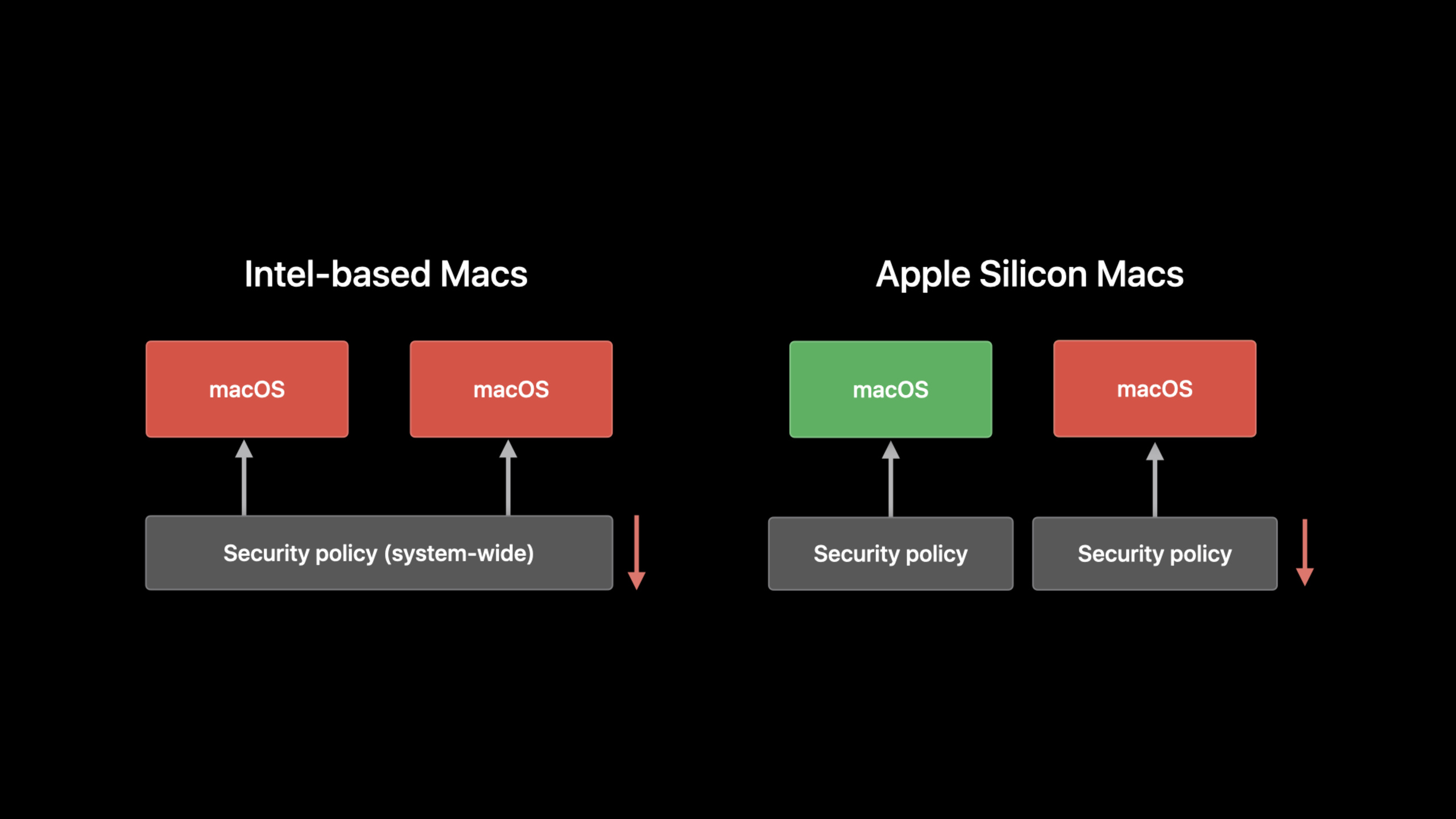
- Apple silicon Mac 的安全启动链完全重新设计,内核扩展(kext)需要经过苹果公证才能加载。
- iOS app 在 Mac 上运行时,框架可用性有限——没有
UIKit的UIDevice振动反馈、没有 ARKit 的全部功能等。