Graphics & Games 高级 30m
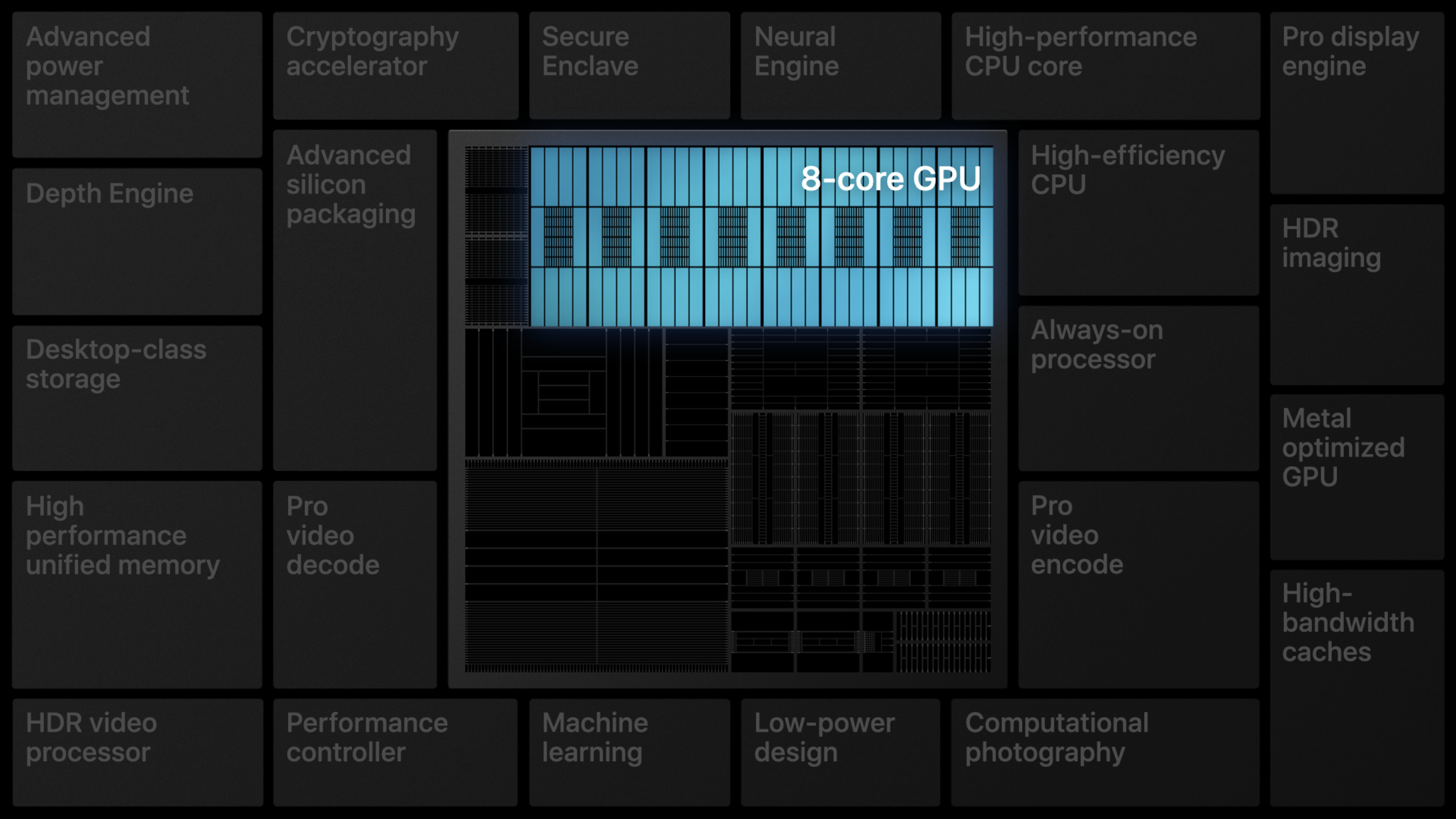
利用 Apple GPU 发挥 Metal 威力
Harness Apple GPUs with Metal
2020年6月24日
一句话判断
如果你在为 Apple Silicon 做 GPU 优化,这场 Session 是必看的——它详细讲解了 Apple GPU 的架构特点和 Metal 如何充分暴露这些硬件能力。
这场 Session 讲了什么
这场 Session 深入探讨了 Apple 自研 GPU 的架构特性,以及如何通过 Metal API 充分利用这些特性。2020 年是 Apple 宣布转向自研芯片(Apple Silicon)的关键年份,理解 Apple GPU 与传统 GPU 的架构差异变得前所未有地重要。
演讲者首先对比了 Apple GPU 与传统 GPU 的架构差异。Apple GPU 采用 Tile-Based Deferred Rendering(TBDR)架构,与传统 GPU 的 Immediate Mode Rendering(IMR)有本质区别。TBDR 将屏幕分成多个 tile,每个 tile 的渲染在片上内存(On-Chip Memory)中完成,大幅减少了对外部内存的访问次数。这意味着你可以用更低的带宽完成相同甚至更好的渲染效果。
Session 的核心部分讲解了 Metal 中针对 Apple GPU 优化的关键 API:Render Pass 的 store/load action 配置、Memoryless 资源(不需要写回主内存的临时渲染目标)、以及如何利用 tile shader 在 tile 级别执行计算。演讲者还讨论了如何优化 Shader 代码以适应 Apple GPU 的执行模型,特别是线程组(Threadgroup)大小的选择和寄存器使用优化。
值得深挖的点
- Memoryless Render Target 的威力:这是 Apple GPU 最独特的优化点之一。传统的渲染流程中,G-Buffer 的多个附件(法线、深度、颜色等)都需要写回主内存,然后在下一个 pass 中重新读取。Apple GPU 的 tile memory 允许你将这些附件标记为 memoryless——它们只存在于 tile 的片上内存中,渲染完一个 tile 后就丢弃。这可以节省数 GB 的内存带宽。
- Tile Shader 的编程模型:Tile Shader 允许你在 tile 级别执行自定义计算,比如在 tile 内做延迟光照计算。这结合了 Forward Rendering 的简单性和 Deferred Rendering 的灵活性,是 Apple GPU 架构的独特优势。
代码片段
// 配置 Memoryless Render Target
let descriptor = MTLRenderPassDescriptor()

// G-Buffer 附件 - 设为 memoryless
// 渲染完即丢弃,不写回主内存
let normalAttachment = descriptor.colorAttachments[0]
normalAttachment?.texture = normalTexture
normalAttachment?.loadAction = .clear
normalAttachment?.storeAction = .dontCare  // 关键:不存储

let albedoAttachment = descriptor.colorAttachments[1]
albedoAttachment?.texture = albedoTexture
albedoAttachment?.loadAction = .clear
albedoAttachment?.storeAction = .dontCare

// 只有最终颜色需要存储
let colorAttachment = descriptor.colorAttachments[2]
colorAttachment?.texture = finalColorTexture
colorAttachment?.storeAction = .store
// 使用 Tile Shader 进行延迟光照
// Metal Shading Language 代码
/*
kernel void tile_lighting(
tile_data<float, 4> albedo [[tile_data(0)]],
tile_data<float, 4> normal [[tile_data(1)]],
tile_data<float, 1> depth [[tile_data(2)]],
uint2 tid [[thread_position_in_threadgroup]]
) {
float4 albedo_val = albedo.read(tid);
float4 normal_val = normal.read(tid);
float depth_val = depth.read(tid);
// 在 tile 内计算光照
float3 lighting = computeLighting(
albedo_val.rgb, normal_val.rgb, depth_val
);
// 写入最终颜色
output.write(float4(lighting, 1.0), tid);
}
*/// 优化线程组大小以适应 Apple GPU
let threadgroupSize = MTLSize(
width: 32, // Apple GPU 推荐的 SIMD 宽度倍数
height: 32,
depth: 1
)
let threadgroupCount = MTLSize(
width: (textureWidth + threadgroupSize.width - 1) / threadgroupSize.width,
height: (textureHeight + threadgroupSize.height - 1) / threadgroupSize.height,
depth: 1
)
commandEncoder.dispatchThreadgroups(
threadgroupCount,
threadsPerThreadgroup: threadgroupSize
)最佳实践
- 所有中间渲染目标(G-Buffer 附件)都应设为 memoryless,只有最终输出需要 store
- 避免频繁在 GPU 和 CPU 之间传输数据——利用 GPU Compute Pipeline 在 GPU 端完成更多工作
- 线程组大小选择 32 的倍数,与 Apple GPU 的 SIMD 执行宽度对齐
- 使用 Xcode 的 GPU Profiler 分析每个 render pass 的带宽消耗,针对性优化
- 减少渲染 pass 的数量,利用 tile shader 在单个 pass 中完成多步操作
还有什么值得关注
- Apple Silicon Mac 的 GPU 架构与 A 系列芯片一脉相承,这些优化对两个平台都适用
- 搭配 “Optimize Metal Performance for Apple silicon Macs” 一起看,可以获得更全面的优化视角
- “Build GPU binaries with Metal” 讲解了如何预编译 Metal Shader 以减少运行时编译开销
WWDC 2020