智能化设计:与系统交朋友
Design for intelligence: Make friends with 'The System'
2020年6月24日
一句话判断
这个 Session 讲了一个反直觉的道理:让 App 变得更智能的最好方式,不是自己造 AI,而是把用户行为数据”喂”给系统,让系统的全局视角帮你做推荐。
这场 Session 讲了什么
这是 “Design for Intelligence” 三部曲的第二部。上一部讲了设计理念,这一部聚焦在具体实现策略上。Apple 的核心观点是:系统(iOS)比你更了解用户的全局行为。系统知道用户每天什么时候用什么 App、什么时候回家、什么时候运动。开发者要做的是把这些局部行为信号通过正确的 API 捐赠给系统。
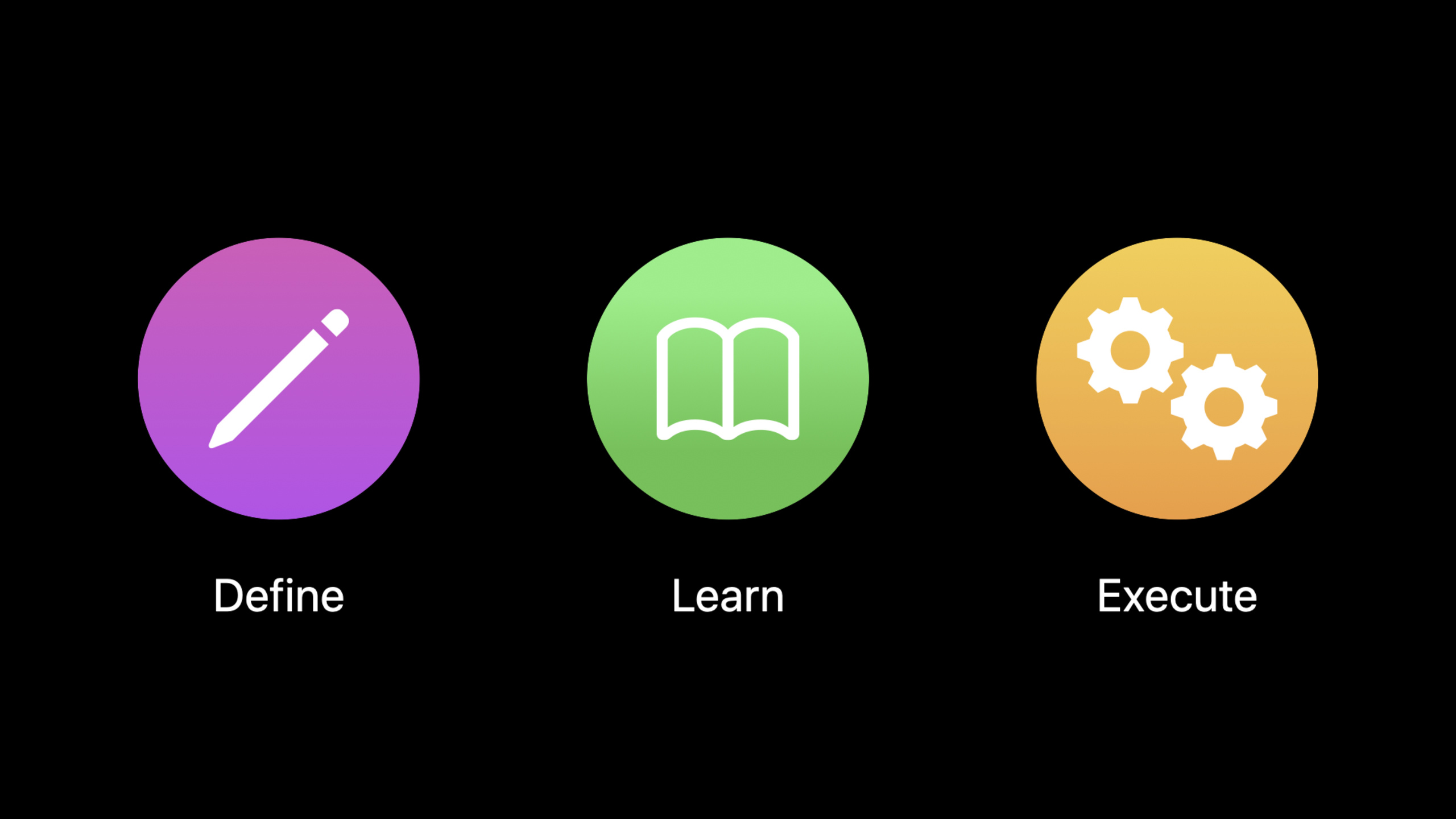
Session 详细介绍了三个层次的系统协作:第一层是 NSUserActivity 捐赠,告诉系统”用户正在做什么”;第二层是 Intent 捐赠,告诉系统”用户刚才完成了什么操作”;第三层是 Interaction 捐赠,告诉系统”这些操作之间的关系是什么”。三层信息叠加后,系统就能在合适的时间推荐你的 App 和功能。
值得深挖的点
捐赠的质量比数量重要
Apple 明确指出:不是捐赠越多越好。低质量的捐赠(比如用户每点一个按钮都捐赠一次)反而会干扰系统的学习。应该只在用户完成了一个”有意义的操作”时才捐赠。判断标准是:如果这个操作用户以后可能想重复做,那就值得捐赠。如果只是导航中的中间步骤,就不需要。
系统的全局上下文优势
一个单独的 App 只能看到自己的用户行为。但系统可以看到用户在所有 App 中的行为模式。比如系统知道用户每天早上先看天气预报、然后看新闻、然后打开健身 App。如果你的新闻 App 通过捐赠告诉系统”用户刚看完了科技新闻”,系统可能就会在下一个时间点推荐用户的健身 App——即使你的 App 完全不知道用户的健身习惯。这就是”与系统交朋友”的价值。
代码片段
高质量的 Activity 捐赠策略
场景:只在用户完成有意义的操作时才捐赠。
import Intents

class OrderViewController: UIViewController {

    // 错误做法:每个步骤都捐赠
    // func didSelectItem() { donate() }  // 不要这样
    // func didViewCart() { donate() }     // 也不要这样

    // 正确做法:只在完成下单时捐赠
    func didCompleteOrder(_ order: Order) {
        let activity = NSUserActivity(activityType: "com.foodapp.order")
        activity.title = "点餐:\(order.restaurantName)"
        activity.userInfo = [
            "restaurantId": order.restaurantId,
            "lastOrderId": order.id,
            "items": order.itemNames
        ]

        // 关键配置
        activity.isEligibleForSearch = true
        activity.isEligibleForPrediction = true
        activity.suggestedInvocationPhrase = "点\(order.restaurantName)外卖"

        // 设置内容属性,丰富搜索结果
        let attributes = CSSearchableItemAttributeSet(itemContentType: "text")
        attributes.contentDescription = "\(order.itemNames.joined(separator: "、"))"
        attributes.thumbnailData = order.restaurantLogo.pngData()
        activity.contentAttributeSet = attributes

        activity.becomeCurrent()
    }
}
使用 INInteraction 建立操作之间的关系
场景:为点餐流程建立”浏览 -> 下单”的关系链。
// 通过 groupIdentifier 将相关的操作关联起来
func donateOrderInteraction(order: Order) {
    var intent = OrderFoodIntent()
    intent.restaurant = Restaurant(
        identifier: order.restaurantId,
        display: order.restaurantName
    )
    intent.items = order.items.map {
        FoodItem(identifier: $0.id, display: $0.name)
    }
    intent.suggestedInvocationPhrase = "再次点\(order.restaurantName)"

    let interaction = INInteraction(intent: intent, response: nil)
    // 关键:用 groupIdentifier 关联同一流程的不同操作
    interaction.groupIdentifier = "food-ordering-\(order.restaurantId)"
    interaction.donate { error in
        if let error = error {
            print("捐赠交互失败: \(error)")
        }
    }
}
配置 Shortcuts 的展示信息
场景:让 Shortcuts 在系统 UI 中展示丰富的预览信息。
// 为 Shortcut 提供丰富的参数信息
func configureShortcutParameters() {
    var intent = OrderFoodIntent()

    // 配置参数的展示名称
    intent.restaurant = Restaurant(
        identifier: "sushi-place",
        display: "寿司之神"
    )

    // 设置参数图片(用于 Shortcuts UI 展示)
    intent.setImage(
        INImage(imageData: restaurantLogoData),
        forParameter: \OrderFoodIntent.restaurant
    )

    // 设置建议的触发短语
    intent.suggestedInvocationPhrase = "点寿司"

    // 创建 Shortcut
    if let shortcut = INShortcut(intent: intent) {
        // 可以添加到 Siri 或 Shortcuts App
        let voiceShortcutVC = INUIAddVoiceShortcutViewController(
            shortcut: shortcut
        )
        present(voiceShortcutVC, animated: true)
    }
}
最佳实践
已有项目:审查你现有的捐赠代码,删掉那些”低质量”的捐赠。保留用户真正会想重复的操作。确保每个捐赠都有 suggestedInvocationPhrase 和 contentAttributeSet,这些信息直接影响 Siri Suggestions 的展示效果。
新项目:在设计产品流程时同步规划捐赠策略。列出用户最有价值的操作清单,为每个操作定义好 Activity Type、Intent 和展示信息。把”与系统协作”作为产品设计的核心原则之一,而不是上线后再补的功能。
还有什么值得关注
- 系统的 Siri Suggestions 算法会综合考虑时间、地点、使用频率等多个维度,你不需要自己实现这些逻辑。
- 在 Shortcuts App 中测试你的 Intent 配置效果,确保参数展示和描述文本都正确。
- 搭配 Session 10086 和 10088 形成完整的智能化设计认知。